Share some text — here's what you can do with it
A news story, a quote from a book, lunch on Friday, a shopping list: share it from anywhere, or send a quick voice memo, and get back a ready action — not just another note. Some actions work on the whole text, some only on a link, a phone number or quoted text.
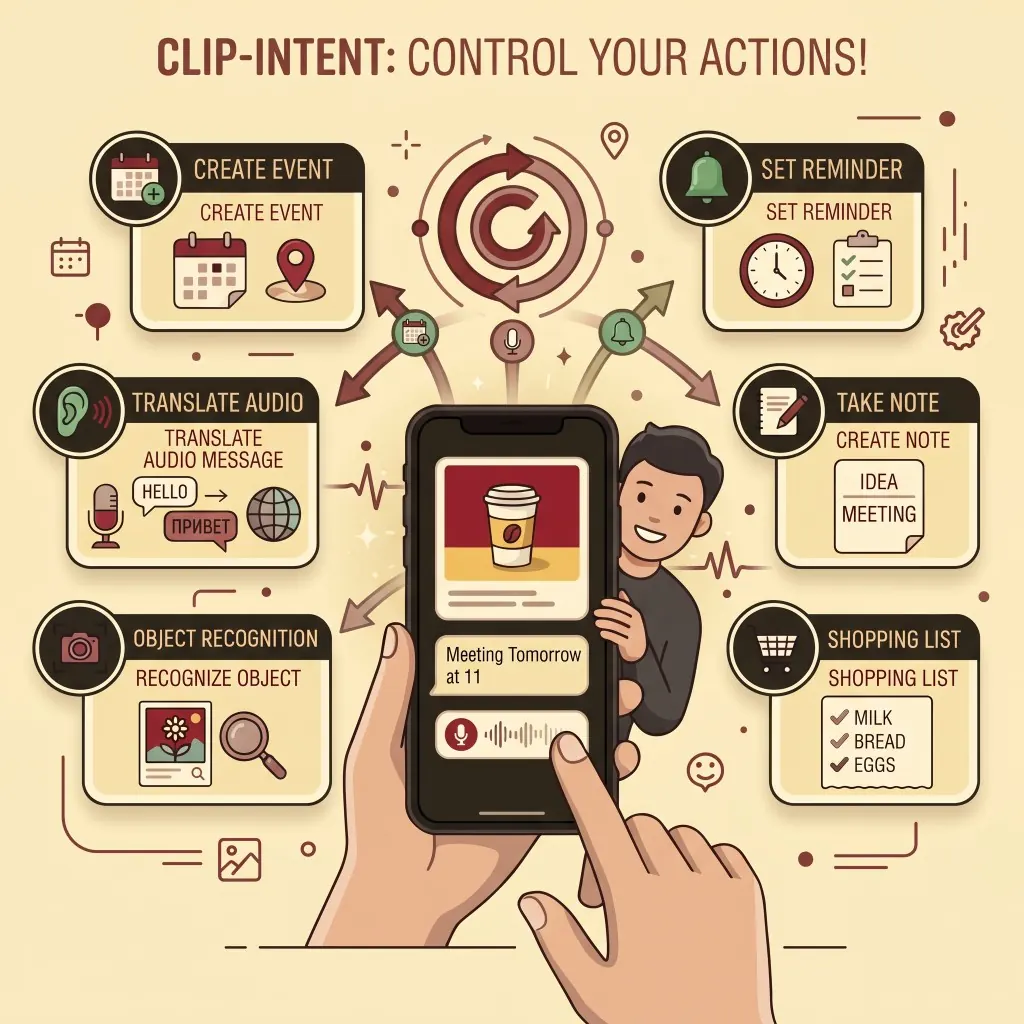
What Clip Intent does
Whatever you share becomes one of these — the parser decides what to suggest.
Calendar event
A date and time in the text becomes a draft event with location and notes.
Reminder
A task, with or without a deadline, becomes a reminder you can flag.
Note & checklists
Longer text becomes a full note; a shopping or to-do list becomes a real checklist in Notes.
Open the link
A link buried in a long paste is found and opened on its own.
Search
An album, book or place name becomes a web or Apple Music search.
Copy just that
A phone number, code or quoted line copies on its own, without the text around it.
How it works
- Install Text Action (or Voice Action) from the Account page and pair it with Clip Intent once.
- Share any text to it — or run it directly to use the clipboard (Text Action), or record or share a voice memo (Voice Action).
- The site classifies it right away; review what it found on the page that opens and pick one or more things to do.
- Clip Do creates it on your device — the event, the reminder, or the note.
Prefer typing or speaking right on the site instead of installing a Shortcut first? Try Dictate
What's new
- October 27Reminder Do finishes again and puts each line on the grocery list. Reinstall Reminder Do.
- October 27A shopping list can also go to your Reminders grocery list, one reminder per line. The list name is in Account settings. Install Reminder Do, and update Text Action and Voice Action.
- October 27Each reminder tag is now its own tag. Update Clip Intent and Clip Do from the site.
- October 11The home page has a new illustration, with a separate picture for Russian and for English.
- October 11The site now uses autumn colors: yellow pages and red buttons.